So, tell me, what’s the worst thing that could happen?
A card game where your security people and your business people read the same incident, and then have to agree on how bad it really is.
Solo or 3 to 6 players · Print and play · CC BY-NC-SA 4.0
Tap the cards
The Spread
Two players flip their cards at the same moment and the numbers do not match. That silent half second before anyone speaks is the game. Same incident, two honest reads, and the distance between them is exactly what you came to look at. Nobody is being difficult: each Lens genuinely saw something the other did not.
This is not a tabletop exercise, a training course, or a threat-modeling session. It is the risk conversation that happens after the kill chain is known, the one that decides what management actually hears.
The deck
Five card types carry the whole game. A separate Cold Start setup pack (Actors and Targets) seeds the table when nobody brings a real incident.
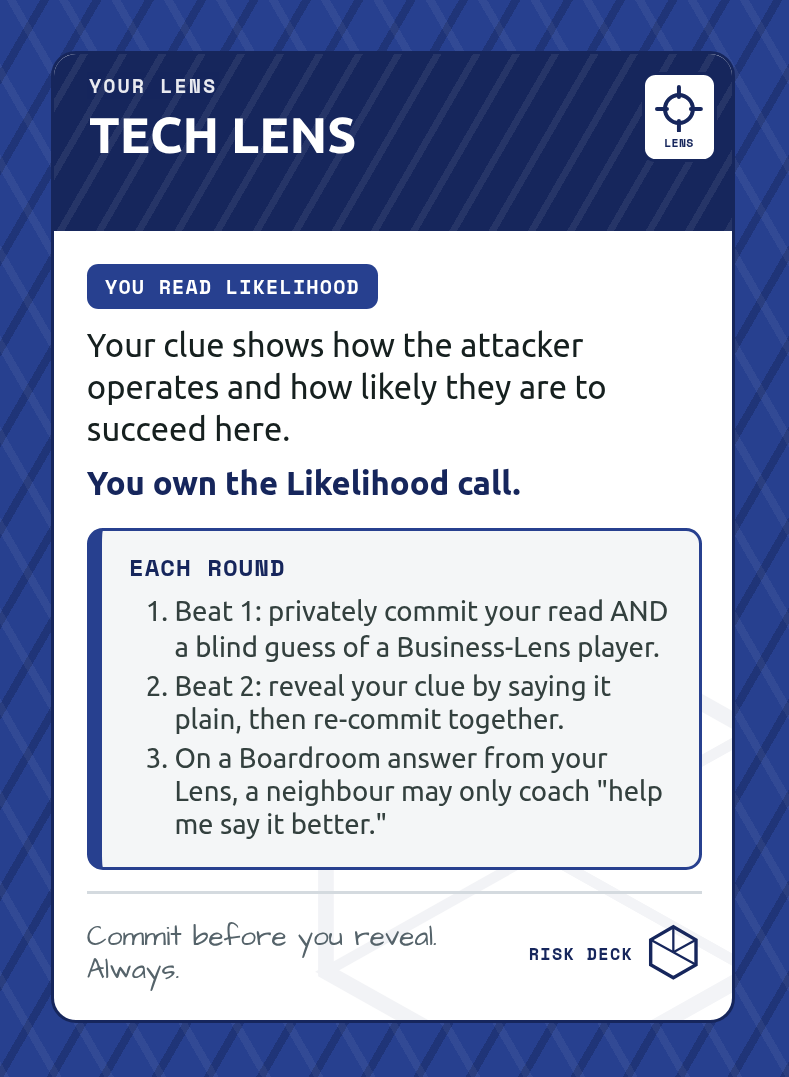
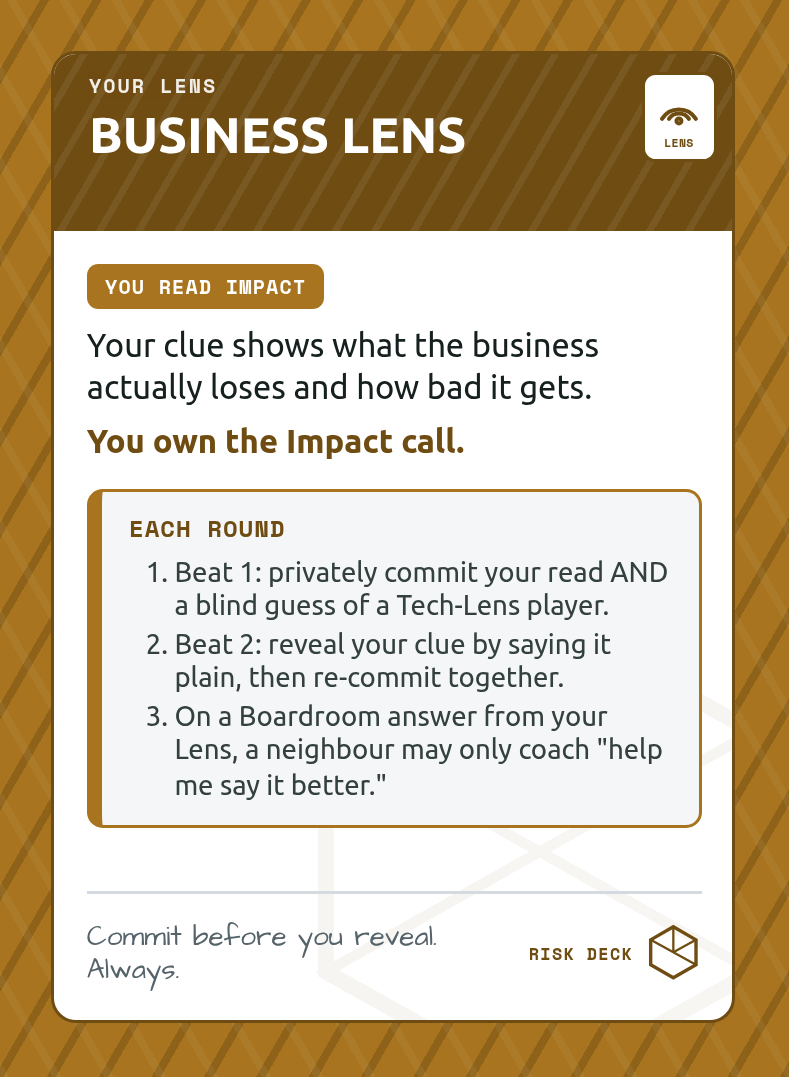
Lens
two roles: Tech reads Likelihood, Business reads Impact
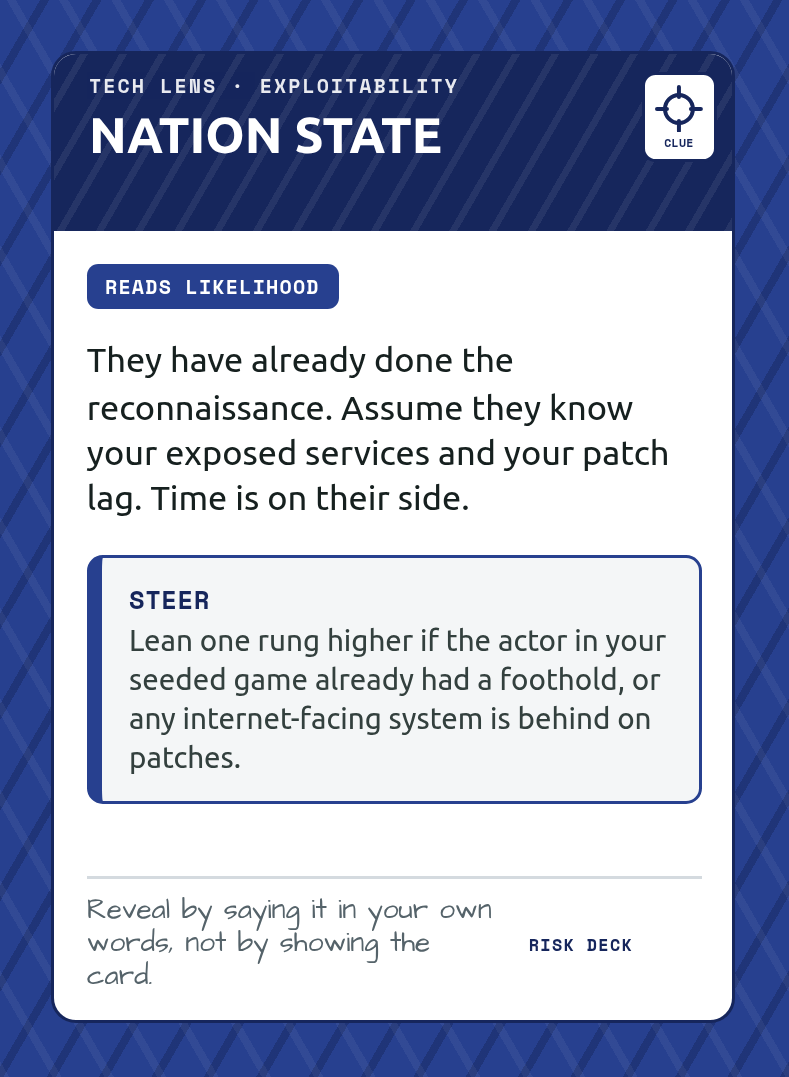
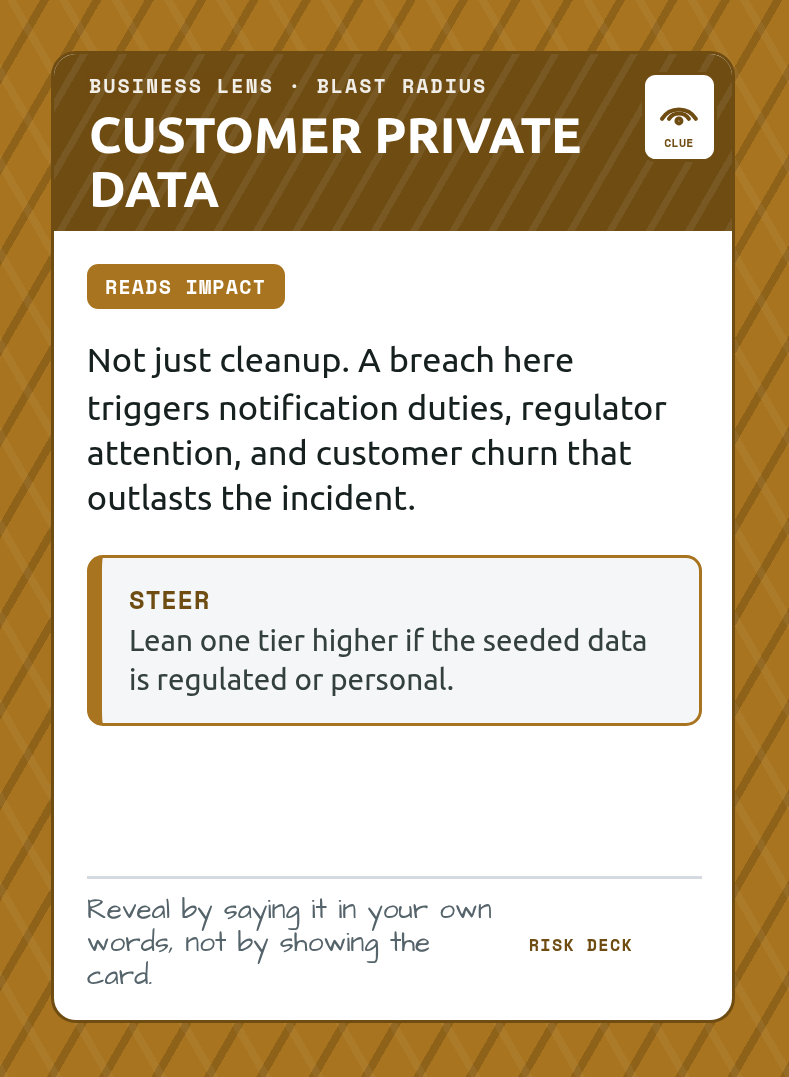
Clue
your private read, spoken, never shown
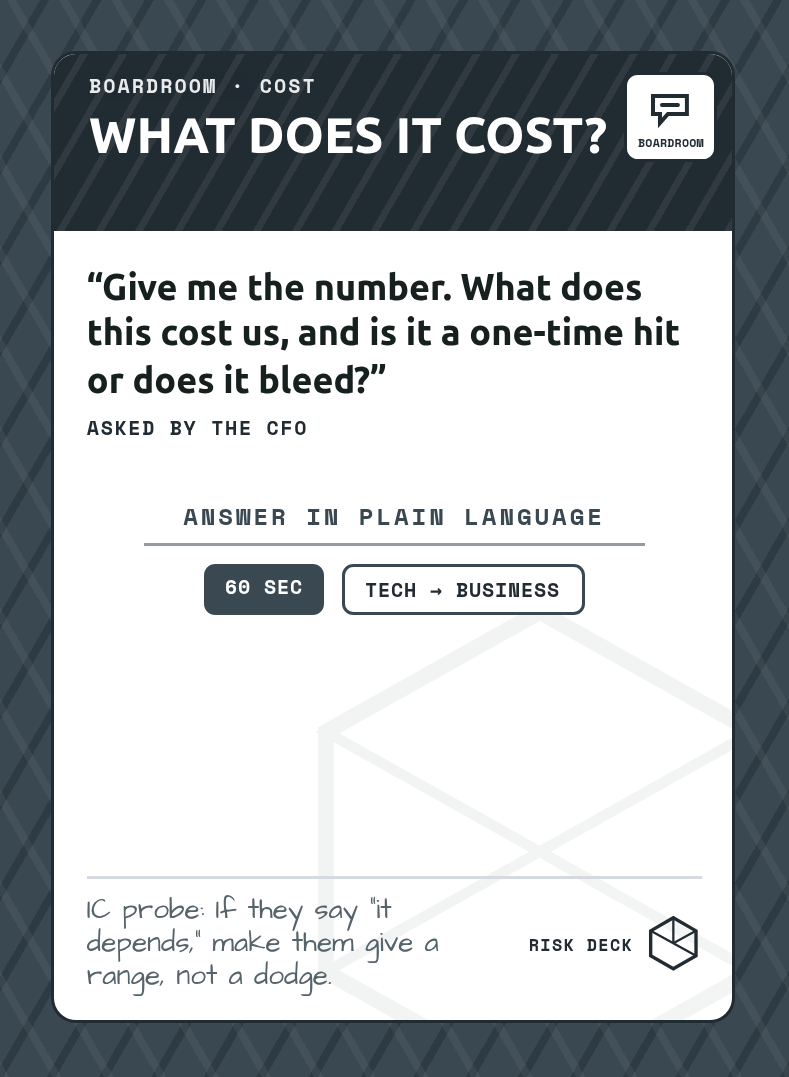
Boardroom
the question that forces plain language
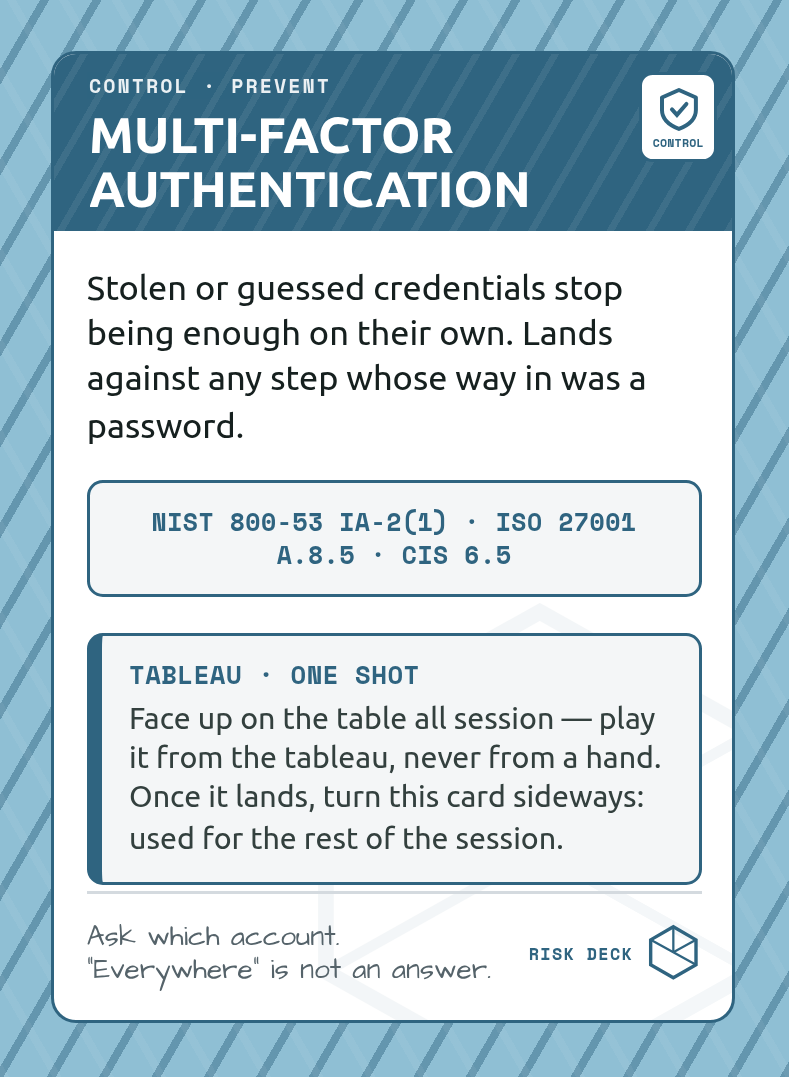
Control
what you spend to stop it, mapped to NIST, ISO and CIS
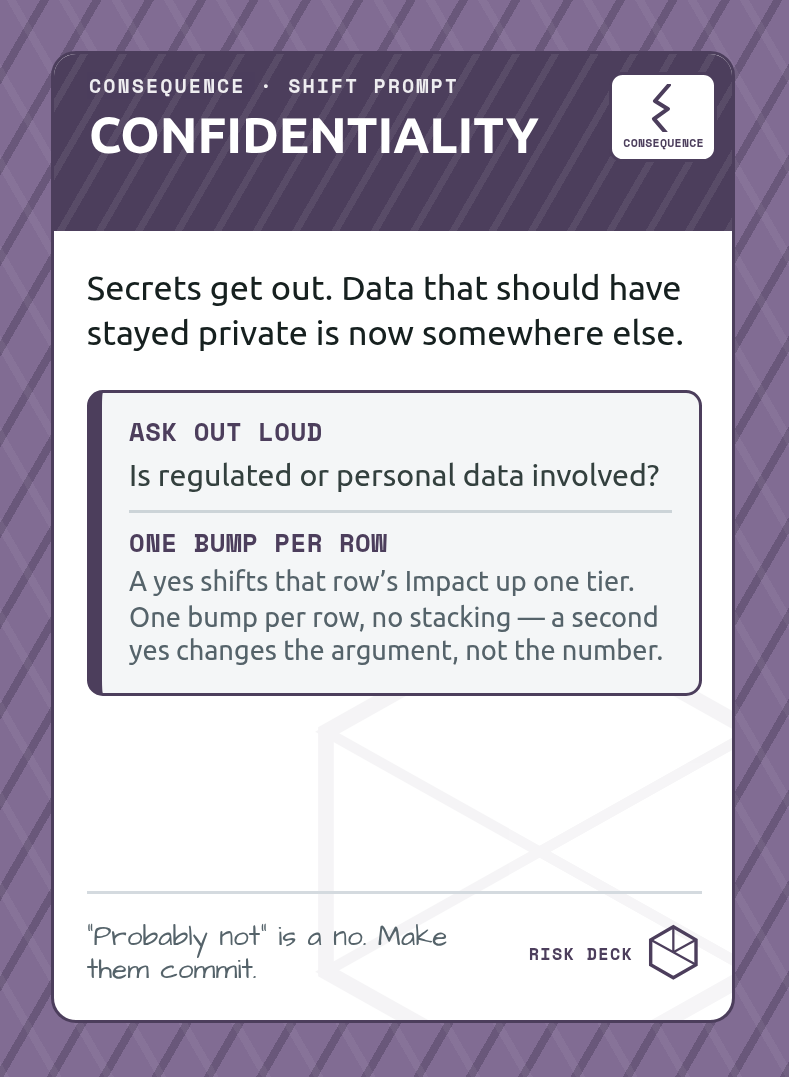
Consequence
what landing looks like
How a round feels
Setup: seed the incident
Lay out the attack chain. Each step is one round.
Setup: take a Lens + clue
Tech reads Likelihood. Business reads Impact. Each Lens also holds one private clue the other can’t see.
1. Triage
Ten seconds, out loud: accept, mitigate, or transfer. The disagreement is the warm-up, and the call starts the round.
2. Commit blind · flip
Write your read privately, plus a blind guess of the other Lens. No pre-declaring. Flip together, then say your clue in plain words and re-commit.
3. Boardroom
Draw a Boardroom card. The opposite Lens answers, jargon-free, under the timer.
4–5. Defend · record the row
Spend a token to pull a Control off the table and roll the d20. Land it, the risk drops a rung. Then write one Board Brief row and move to the next chain step.
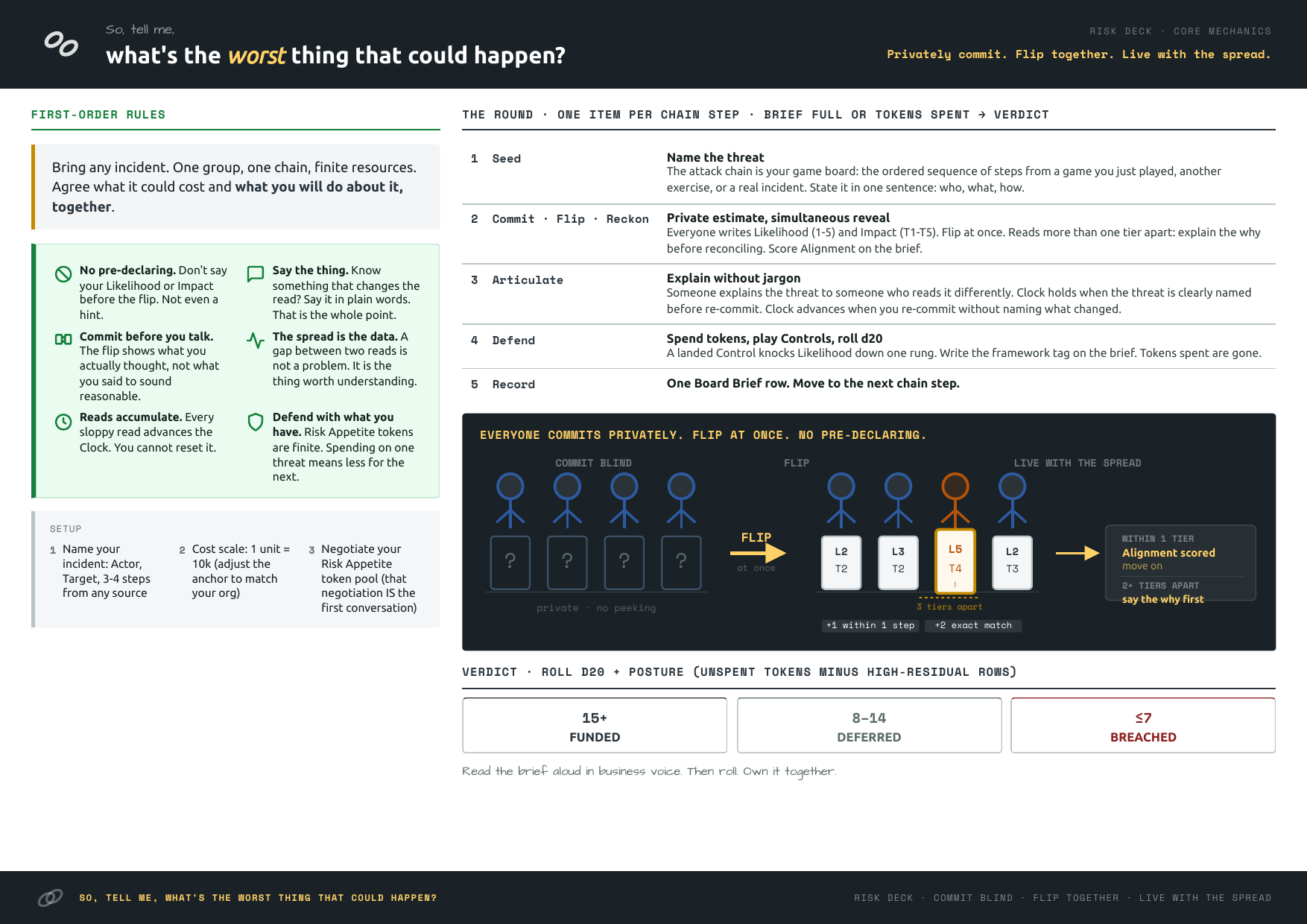
The five round steps repeat down the attack chain. A shared Threat Clock and a growing Board Brief carry across every round, and only at the very end do you roll the Boardroom Verdict: Funded, Deferred, or Breached. No teams. You win or lose as one table, against the scenario.
The two Lenses
Tech Lens reads Likelihood and exploitability.
Business Lens reads Impact and blast radius.
The same threat, two readings. Each Lens is handed a private clue the other cannot see, so the disagreement is honest information, not a manufactured argument. Sharing it is how the table gets the full picture.
What you bring
This is not a standalone game, by design. It needs a real chain of events to chew on, and it takes one from wherever you already have it. The interface is small: an Actor, a Target, and an ordered three to four step attack chain.
A real incident you handled
Map the attack chain, seat your technical and business people together, and rehearse the risk explanation before the actual board meeting. The strongest reason the game exists.
Right after a kill-chain tabletop
Finished a game or exercise that resolved into an ordered attack? Run the risk phase on it immediately, with business stakeholders in the room.
Risk-register calibration
Use real targets and actor profiles from your own environment. The blind-commit surfaces where estimates were never actually aligned.
No facilitator required, the deck runs the session. If it does not give you an Actor, a Target, and an ordered chain, it is not a fit.
Play it today. Free to print at home.
Start with the player guide. It walks a cold table through a first session without a facilitator.
How to print it at home
(settings, alignment checks, per-printer fixes)
Both home-print PDFs above are native builds for their own paper size, not one file relying on your print dialog to scale it. Pick whichever matches your tray and open it in a real PDF reader (Adobe Reader, Preview, Okular), not a browser tab. Browsers like to add their own margins and scaling on top of yours.
| Setting | Set it to |
|---|---|
| Scale | 100% / Actual Size, never "Fit to Page" |
| Double-sided | On, flip on the long edge |
| Borderless | Off |
| Paper type | Cardstock or Heavyweight, not Stationery or Coated (unless glossy or silk stock) |
If your driver only mentions “fuser” settings, that is laser-only language: inkjet drivers use the same Cardstock/Heavyweight label too, just to control ink volume and drying time instead of heat.
Long edge matters for concealment, not just alignment. The Clue and Cold Start (Actor/Target) decks are asymmetric: each card's back carries a different bank's private information. Flip on the wrong axis and a card comes out with the wrong bank's back on it, so match the setting above exactly.
Print the first sheet only, check it, then print the rest. Run pages 1 to 2 (fronts and backs of the first cards) on the actual card stock you will use for the whole deck, not a plain-paper stand-in: cardstock changes how your printer's duplex mechanism grips and re-feeds the sheet, so a plain-paper test can look perfect and still drift once you switch to the real stock (see Branch B below if that happens to you). Then check two things before committing the rest:
- Ruler check. Every sheet carries a short line labeled “ruler” near the bottom left corner: the A4 PDF calls it “20mm ruler”, the US Letter PDF calls it “1″ ruler”. Measure it against a ruler or tape measure. Anything other than the stated length means your print dialog scaled the page. Set scale to 100% / Actual Size and reprint pages 1 to 2.
- Light check. Hold the sheet up to a window or a lamp. The cut-guide grid prints identically on both sides and should overlap when you look through the paper. A gap that stays inside the white border around the card art (2mm) is normal, every home printer drifts a little. A gap that reaches into the card art itself means real registration drift.
Troubleshooting
Branch A: nothing lines up from the first sheet (drift beyond the white border).
- Look for an alignment or duplex-offset setting on your printer (Brother calls it "Binding Offset" in the driver, HP has an "Align Printer" routine under Tools, other brands vary, so check the printer's own settings menu). Fixing it there corrects every future print job too, not just this deck.
- No such setting, but the offset is the same every time: cut to the front-side lines instead of the back's. You lose a little of the white border, not the card.
- Still drifting? Try a manual stack flip instead of trusting your printer's own auto-duplex path. Print every front for the whole deck single-sided first. Physically flip the entire stack on its long edge (this matches the card grid's own mirror math), reload it into the same tray facing the same way, then print the backs single-sided on top. This sidesteps your printer's internal duplex re-grip, which drifts more often than tray choice does.
- The offset is different every time, even with a manual stack flip: your printer's feed isn't repeatable enough to trust duplex here at all. Print fronts and backs as two single-sided runs and glue or laminate them together instead. More manual work, but it sidesteps the problem entirely.
Branch B: the plain-paper test looked fine, but real cardstock still drifts.
This is a different failure than Branch A, not a worse version of it. Cardstock changes the mechanics of your printer's duplex path, and most drivers run a genuinely different Cardstock/Heavyweight profile than the Stationery or plain-paper profile you tested with, so a clean plain-paper result does not predict a clean cardstock result. Rerun the ruler and light checks above on the real stock, not the plain-paper sheet, then work Branch A starting from the stack-flip step: it removes the exact variable, your printer's auto-duplex re-grip, that a plain-paper test never stresses the same way.
Printing at a shop instead? Hand them the print-shop sheets, 69.5 x 94.9mm with 3mm bleed, cut on the grid.
RISK GOVERNANCE
How the Risk Deck supports risk governance
| Requirement | What it asks | How the Risk Deck addresses it |
|---|---|---|
| NIS2 Article 20, governance | Management understands and owns cyber risk, not just signs off | Forces security and business to read the same incident and agree how bad it really is |
| Risk communication | Technical and business sides share one view of risk | The blind-commit mechanic surfaces exactly where their estimates diverge |
| Risk-register calibration | Risk estimates are consistent and defensible | Calibrates real targets and actor profiles so estimates stop being guesses |
FAQ
Frequently asked questions
What is the Risk Deck?
Who is it for?
How does it help with governance and NIS2 Article 20?
Is it standalone?
How do we get it?
How long is a session?
Designed by Klaus Agnoletti and Joel Benge. Source and generators on Codeberg. Licensed CC BY-NC-SA 4.0, free to play, share, and adapt for non-commercial use. Commercial use requires a separate license: contact klaus@relationssec.net.
Part of the serious games lineup for security teams.